Help
Getting Started
Create an account, search packaging, save 3D configurations, and run quotation and sample projects.
Welcome to PKGroom. This guide explains how beauty brand teams navigate the platform, structure specifications, request samples, and coordinate production with verified Korean packaging manufacturers.
1. Create an Account & Workspace
Sign up using your business email or Google OAuth. Completing your company profile allows our Korean operations team and verified supplier partners to tailor pricing, MOQs, and technical assistance.
2. Search & Filter Packaging Options
Browse our live catalog using structural filters including usage type (skincare, makeup, hair care), container design (round, square, oval, pear, tube, stick), capacity range, materials (PP, PETG, Glass, Aluminum), and closure styles. You can also describe your product requirement in natural language using our AI Finder.
3. Interactive 3D Configuration
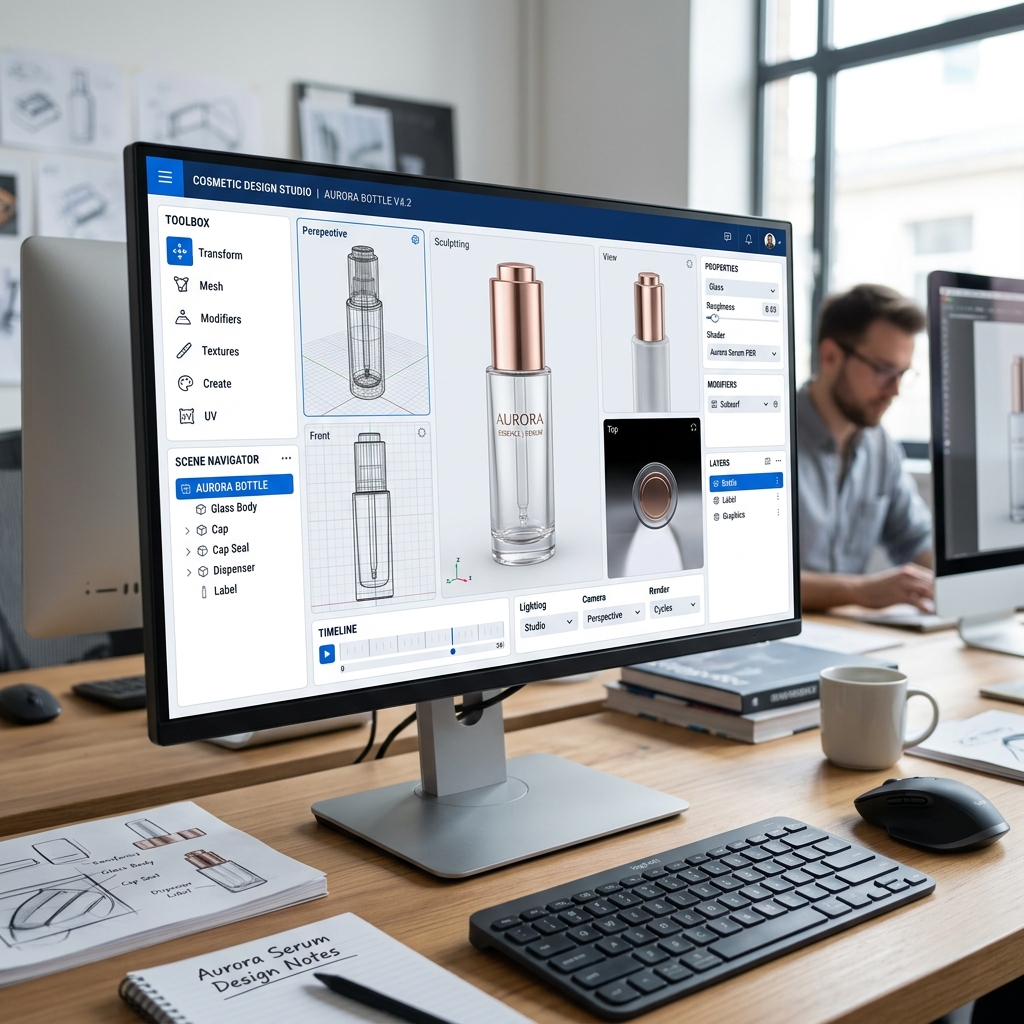
Open 3D-ready container options in the PKGroom 3D Studio. Test compatible caps, pumps, droppers, and color finishes in real time. Save unique configuration versions directly into your project workspace.
4. Project Creation & Document Repository
Consolidate chosen containers, custom artwork, pantone color specs, and target launch deadlines inside a dedicated project workspace for seamless team collaboration.
5. Request RFQs & Physical Samples
Submit structured requests for quotations (RFQ) or order stock/decorated samples. PKGroom Korean operators review your requirements and coordinate directly with factory engineers to confirm availability.
6. Track Orders & Operations Milestones
Follow real-time status updates from sample dispatch to tooling, quality control inspections, and ocean/air freight shipping under My Projects.
Create an AccountRelated Topics